


Category: Development
-

HTML API practicum: a deep dive
The HTML API is almost three years old, but continues to evolve with each WordPress release. It’s seen deployment in WordPress’ backend, in Gutenberg, and in many plugins and themes. The HTML API’s core values have even expanded into new pipelines for working with block structure and text encodings, helping to modernise, optimise, and harden…
-

The AI-first WordPress site: crawler to citation
AI platforms generated 1.13 billion referral visits by mid-2025, yet most WordPress sites aren’t ready. This practical session covers the complete AI optimization stack: strategic robots.txt configuration, structured data for AI comprehension, content patterns that earn citations, and measuring AI visibility. Leave with an actionable checklist to make your WordPress site AI-ready today.
-

Headless WordPress API security in 10 minutes
Learn the five steps to design secure headless WordPress architectures. This talk focuses on API-first security, attack surface reduction, and practical decisions when exposing WordPress APIs to mobile apps and PWAs.
-
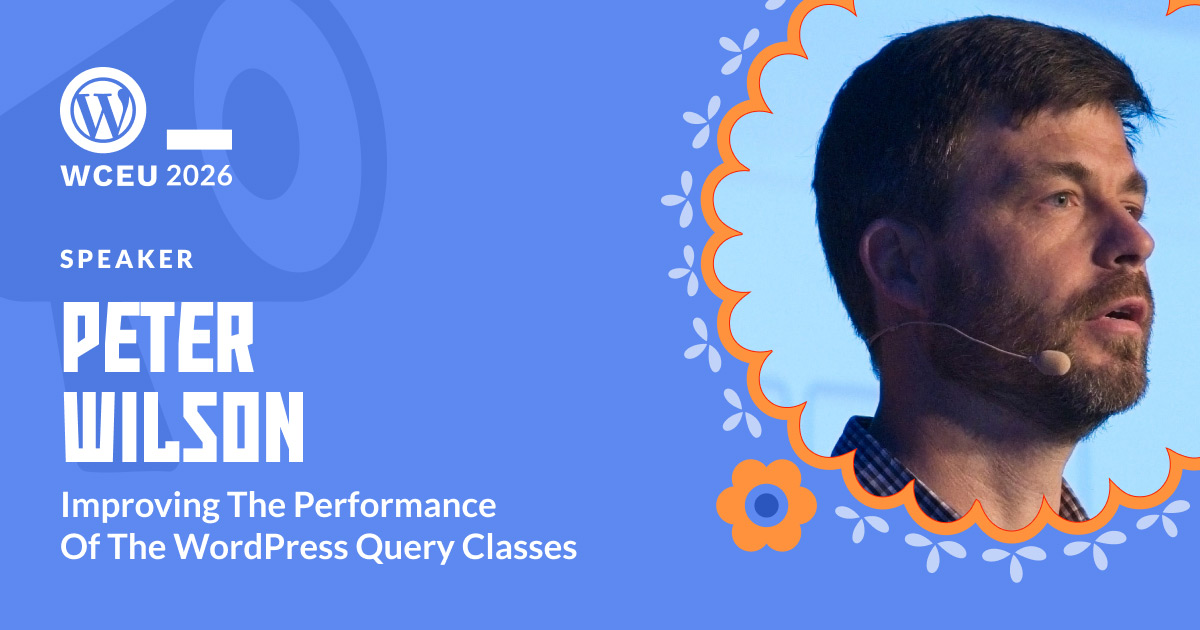
Improving the performance of the WordPress Query classes
The WordPress Performance team was established in 2021 with the goal of improving the performance of WordPress Core. As a fundamental part of rendering each and every page of a WordPress site, the `WP_Query` class has received a lot of attention. In this talk, Peter will discuss how the performance of `WP_Query` and the WordPress…
-

Build your developer portfolio: a hands-on guide to FSE
Full Site Editing isn’t just for DIY users—it is a powerful architectural tool for professionals. Join this workshop to master the lifecycle of a modern Block Theme. We will build a portfolio site to showcase your work, focusing on three core skills: scaffolding with the Create Block Theme plugin, configuring design systems via theme.json, and…
-

50 shades of cache: a WooCommerce deep dive
Caching in WooCommerce isn’t one thing; it’s fifty. In this hands-on workshop, we demystify the full spectrum of WordPress and WooCommerce caching layers: OPcache, server-level cache, page/HTML cache, object cache, and WooCommerce-specific caching quirks. No theory for theory’s sake – we’ll walk through real examples, debug common cache misses, and show live demos of how…